Pairs stay together
In Standard and Pro, a Live Photo's still and its short video are paired and filed as one. In the dated layouts a RAW is filed with its JPEG, and Pro can keep the two together under a layout that files by type.
Years of photos, put in order. SureSort files only the ones it can vouch for, and leaves the rest exactly where you left it.
Get it from the Microsoft Store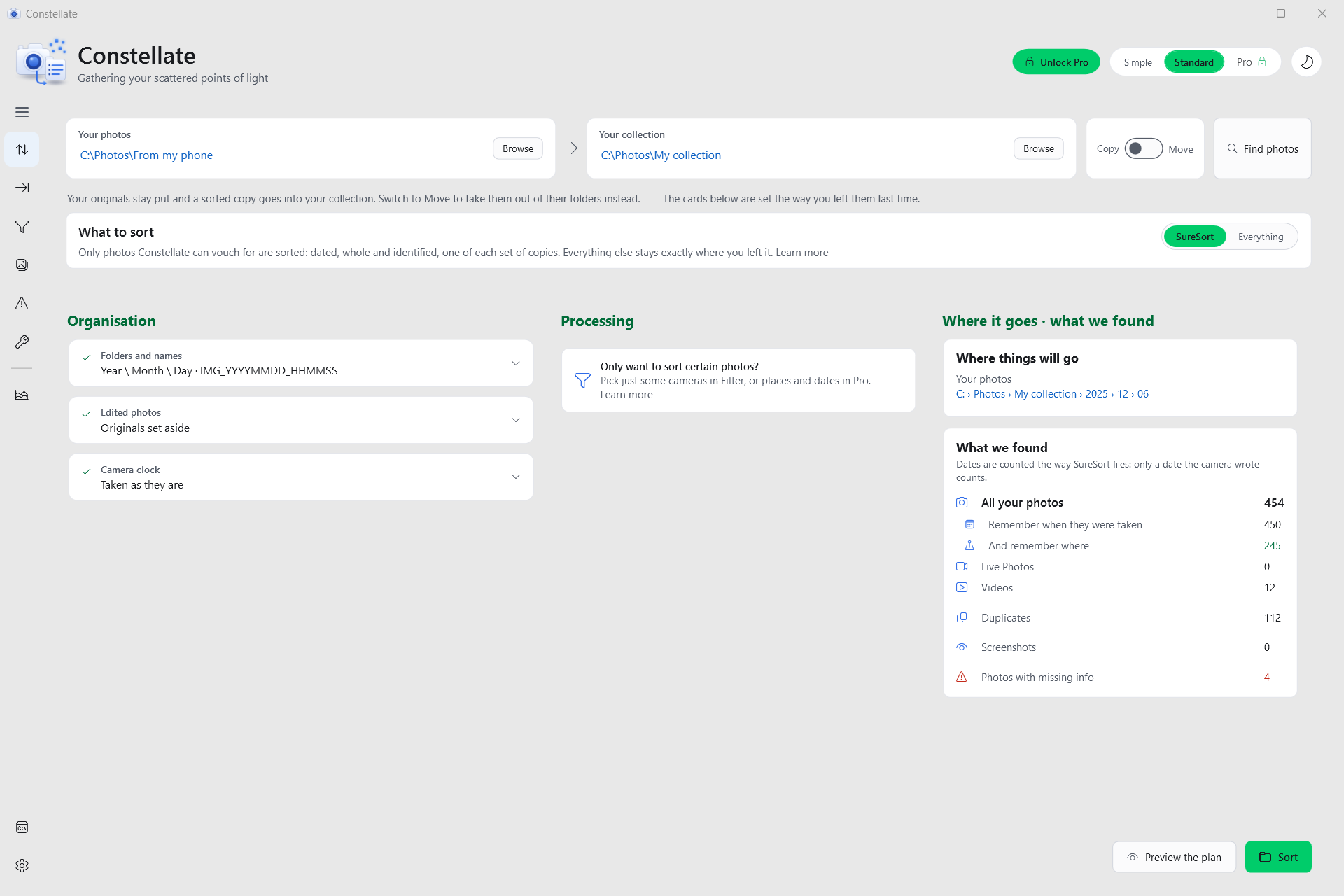
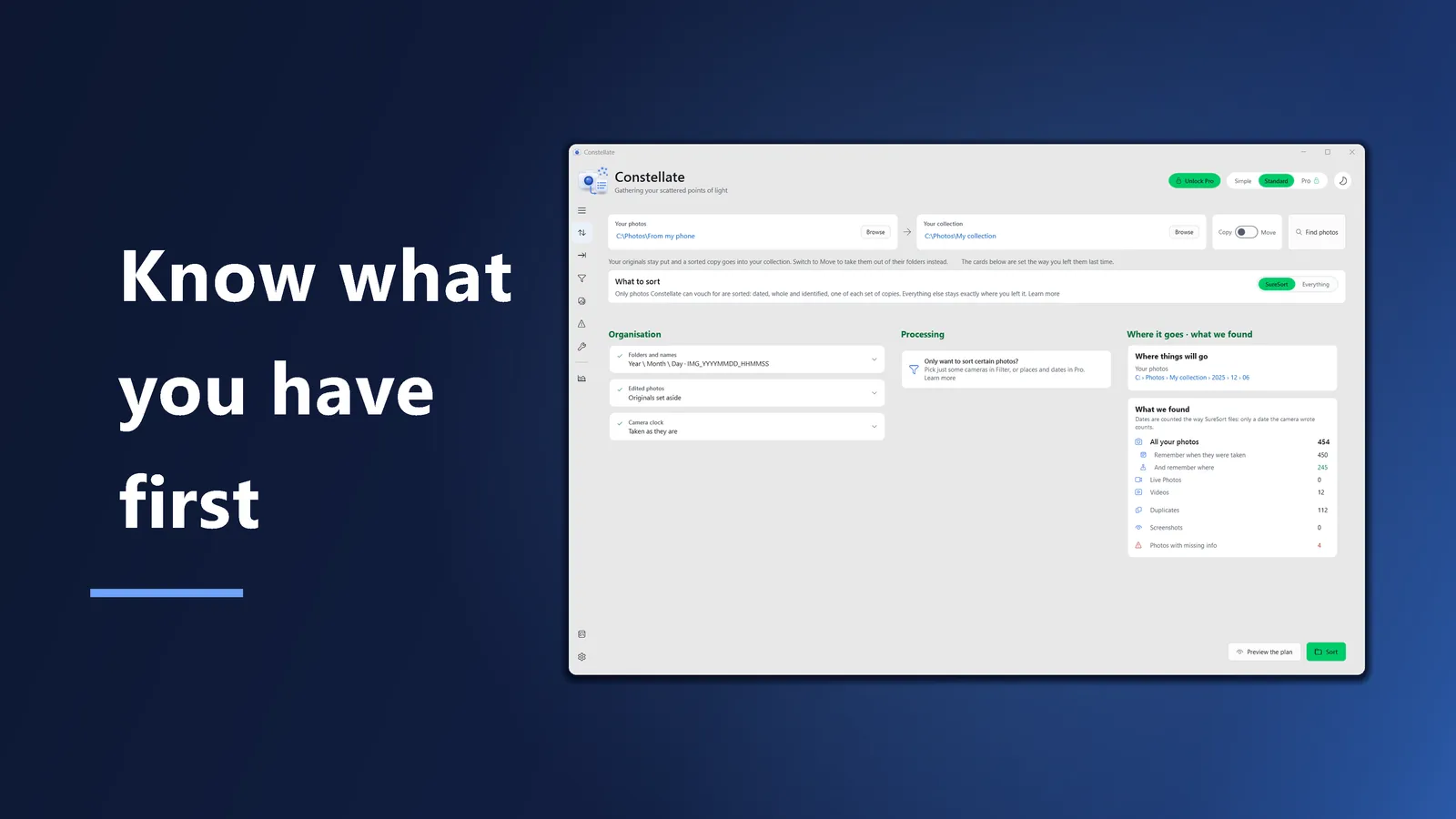
SureSort is chosen under What to sort, and it stays on until you turn it off. What Constellate found is counted on the right before anything moves.
Somewhere on your computer there is a folder with years of photos in it, in no particular order. Constellate is for that folder. Your photos already remember when they were taken, so it reads that, works out where each one belongs, and shows you the plan before it touches a file.
SureSort is on from the first time you open Constellate. It files a photo only when it can vouch for it: the photo is dated, whole and identified, and it is one of each set of copies. Everything else stays exactly where you left it.
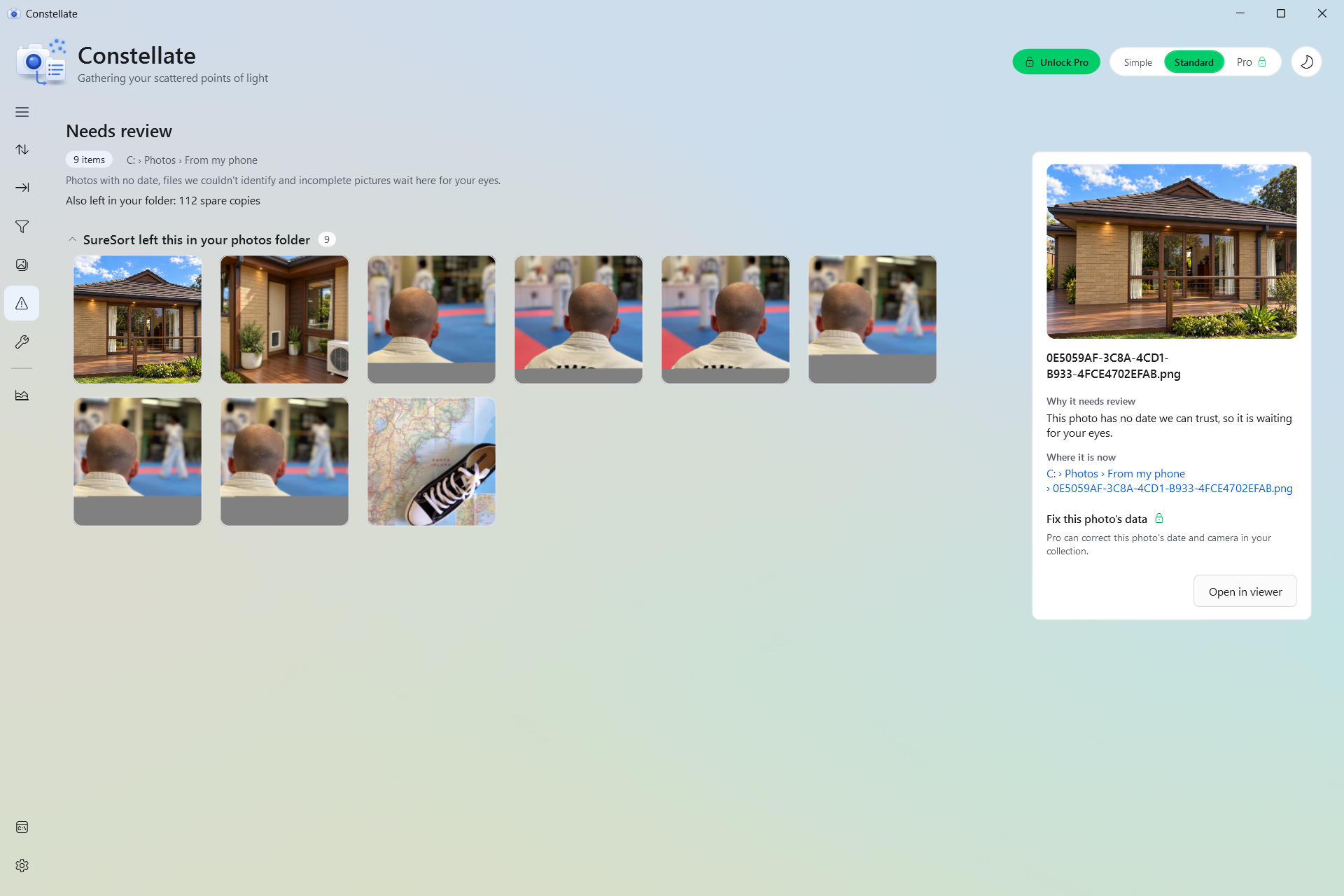
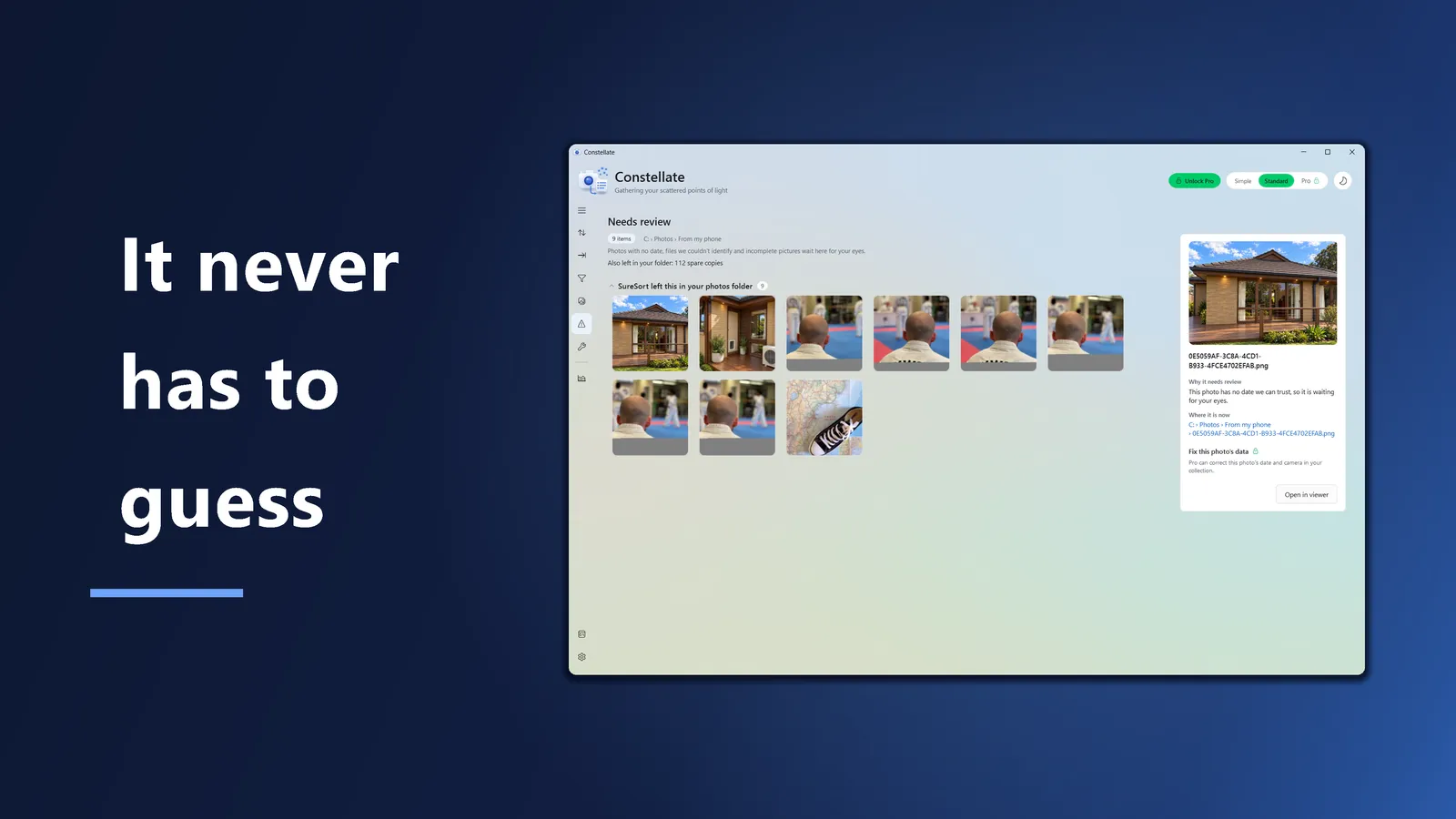
So there is nothing questionable in the collection it builds, because nothing questionable moved. The photos it left are listed in Needs review, and selecting one tells you why. When you are ready for the rest, switch What to sort to Everything, and choose what happens to duplicates, broken photos and photos with nothing to go on.
Copy leaves your originals as they are. Copy is the default: a sorted copy goes into your collection and the original stays put.
Move takes a photo out only once it is safely in. On the same drive a move is a single rename. To another drive, the original is removed only after its copy has been checked against it, and if the two do not match, the copy goes and the original stays.
Undo takes your sorts back, newest first, for three months. Each press puts back one sort. It takes back only what Constellate did: it removes only the folders its own sort made, and a copy you have changed since is kept.
A sort does not change what is inside your photos. The repairs that write into a photo are in Pro, off until you switch them on, and an untouched copy is kept first. A RAW file is written only if you also tick Include RAW files.
It never deletes your photos and videos. Spare copies stay in your folder under SureSort, or are set aside in a folder of their own under Everything.
Every build comes with a plain-English account of what changed. Read what we fixed, build by build, and the user guide for how each part of it works.
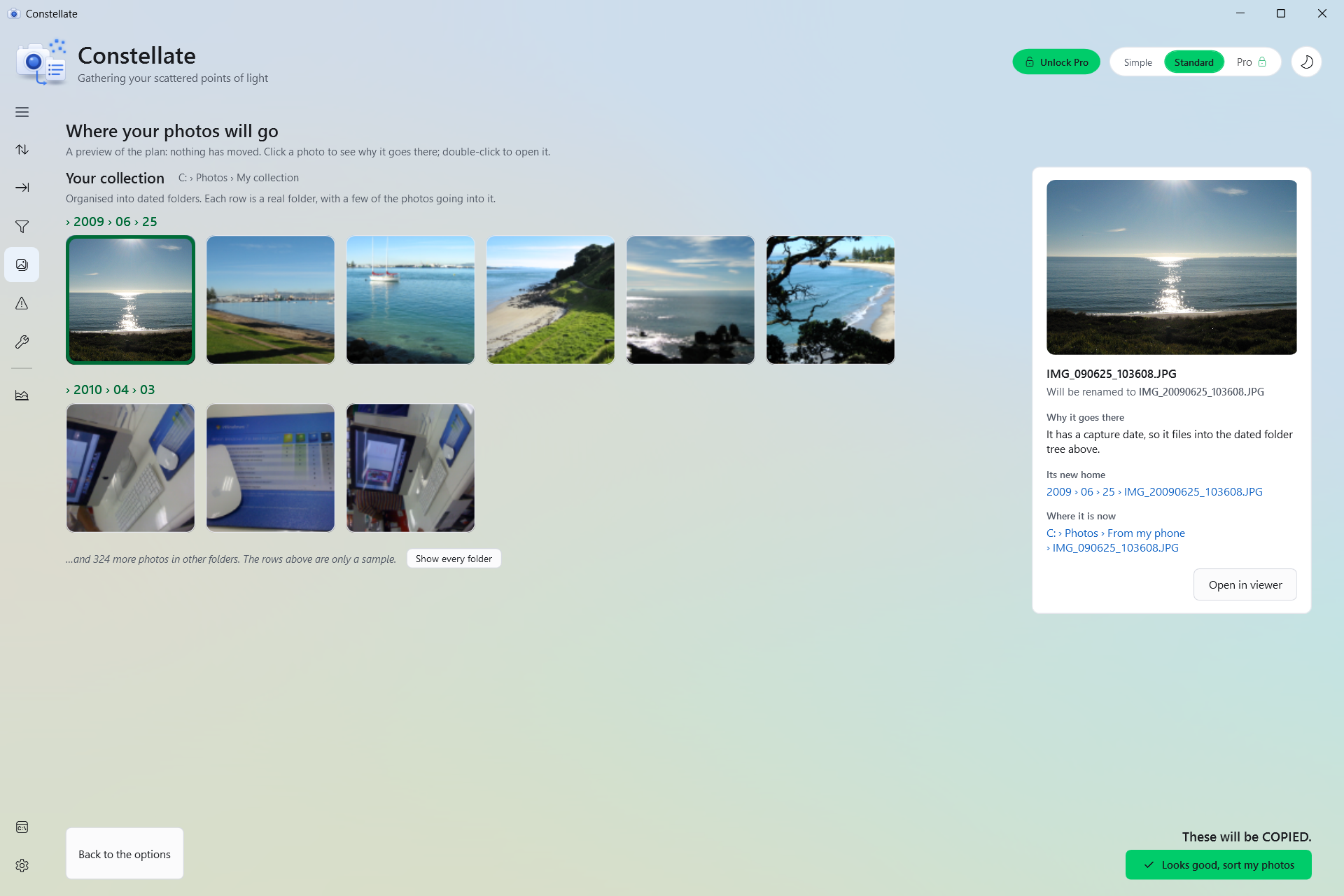
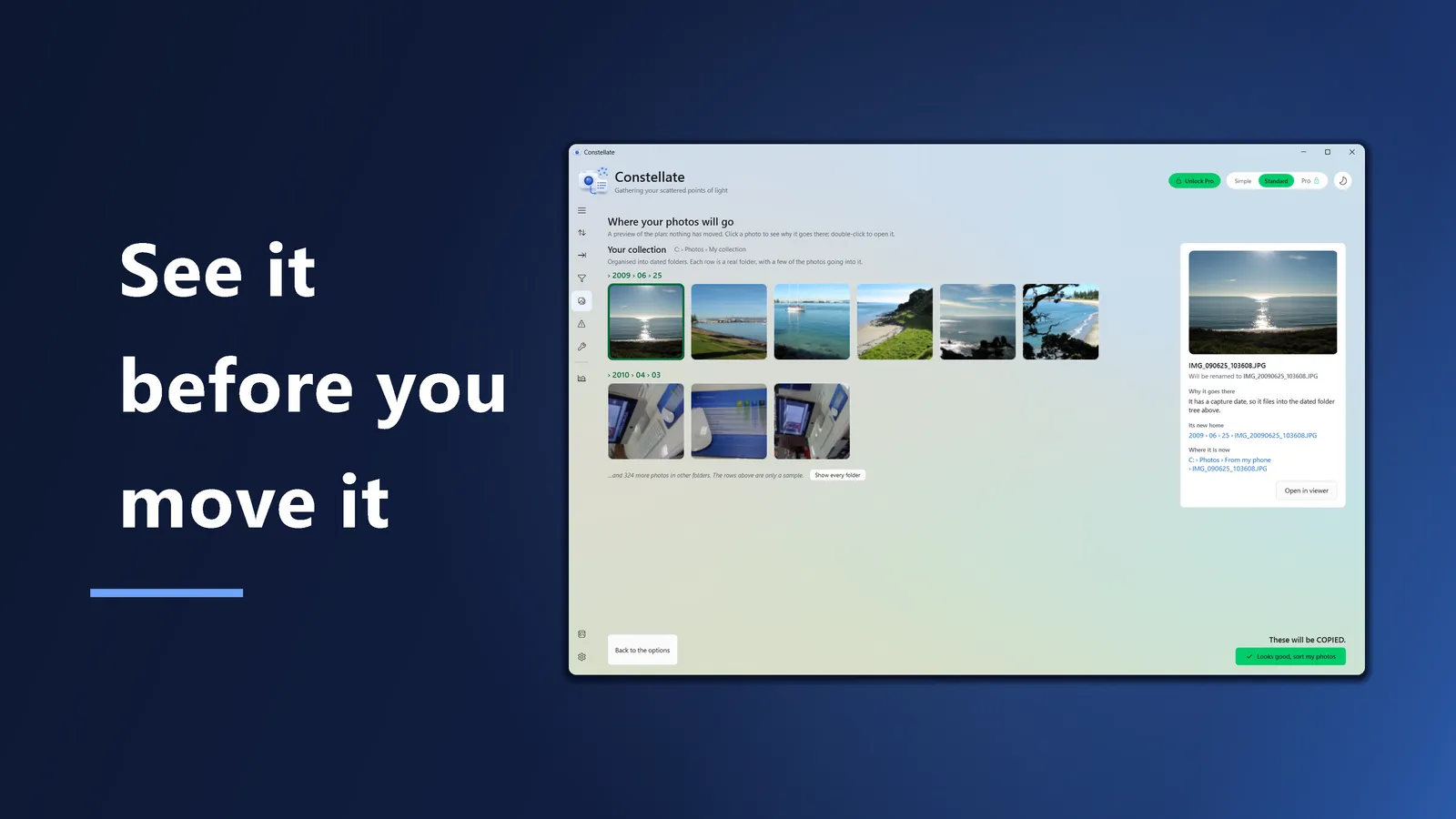
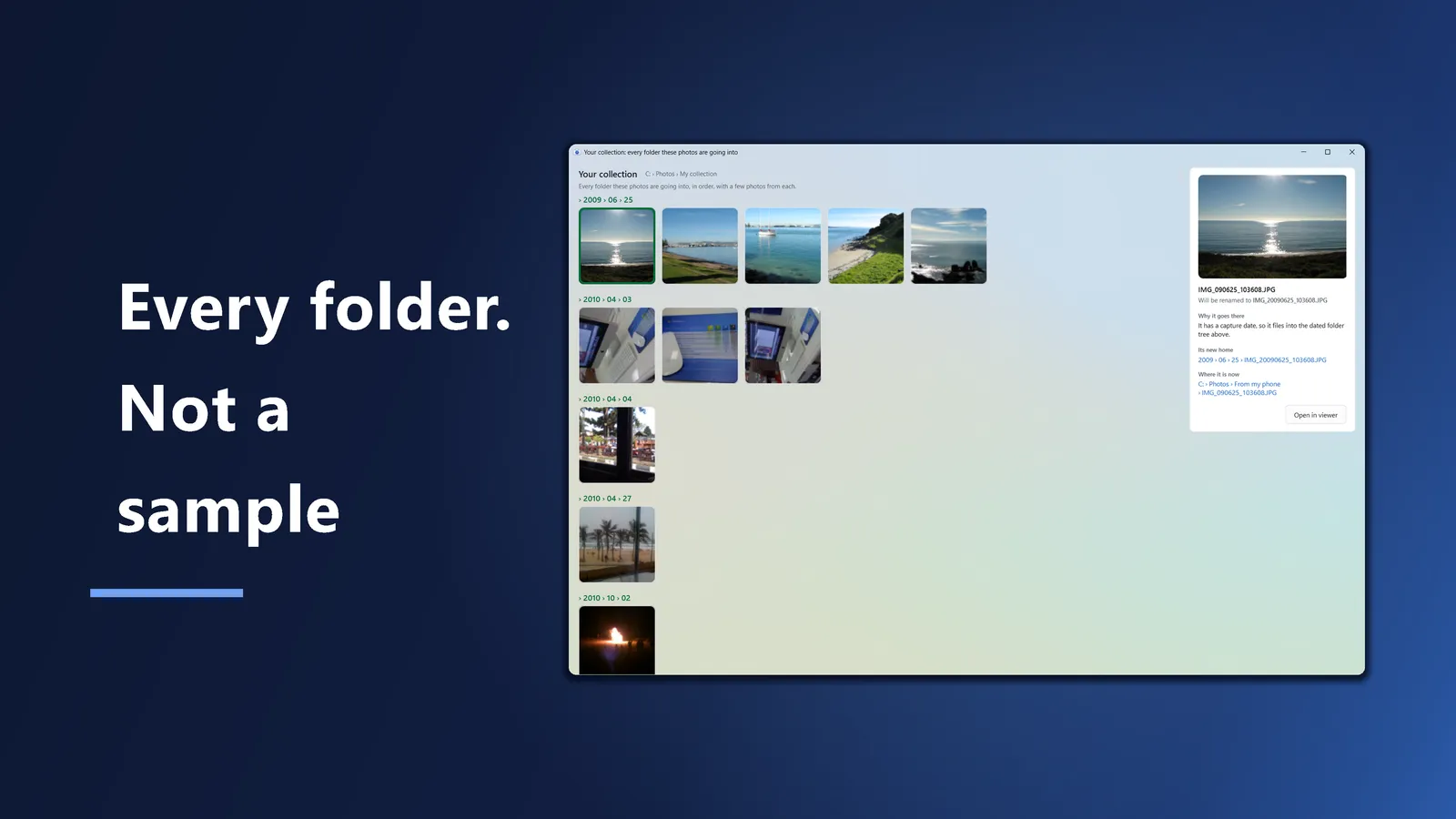
Preview the plan shows the folders the sort will make, with a few of the photos going into each, and Show every folder lists them all. Click a photo to see why it goes there, its new name, and where it is now. Nothing moves until you say so.
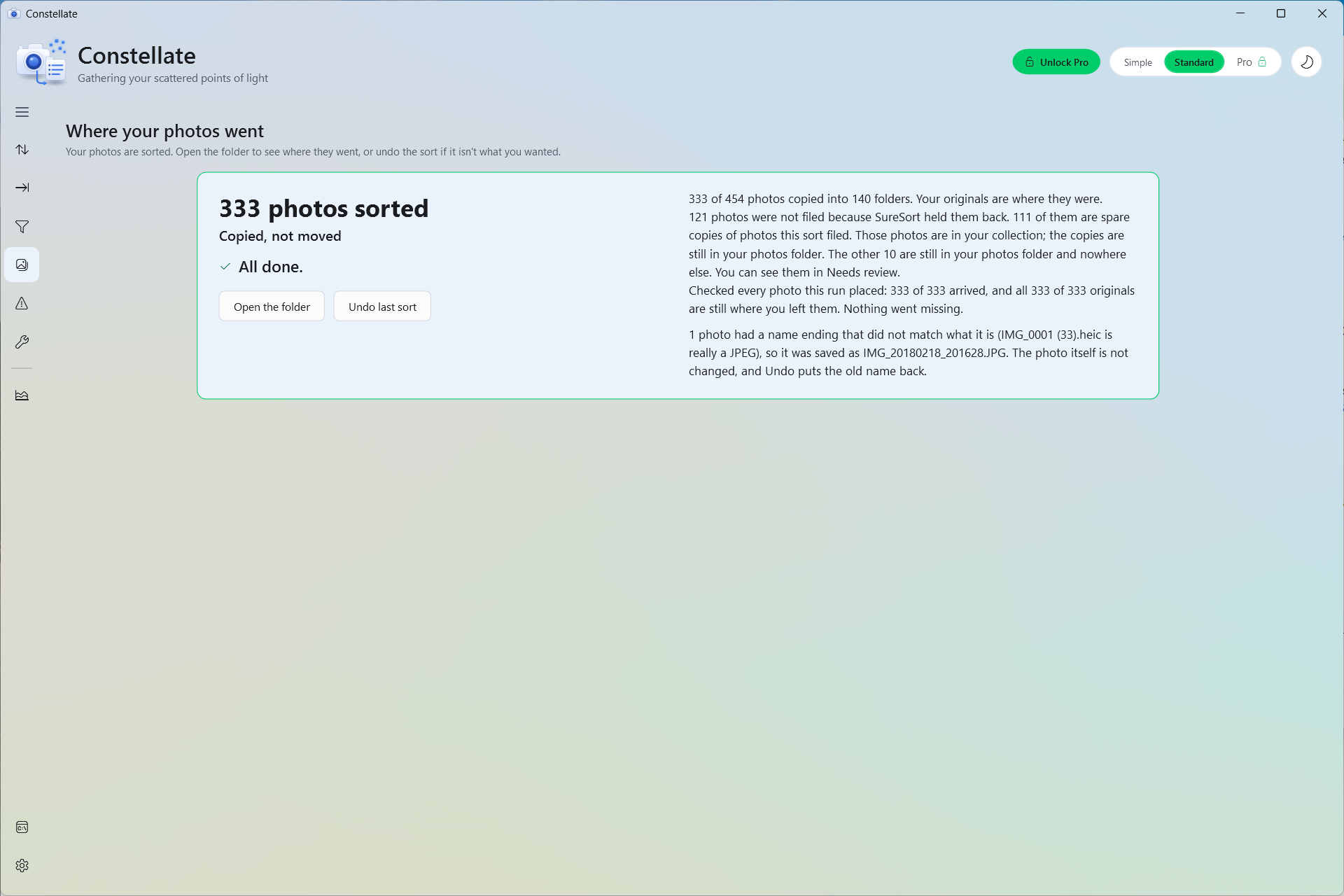
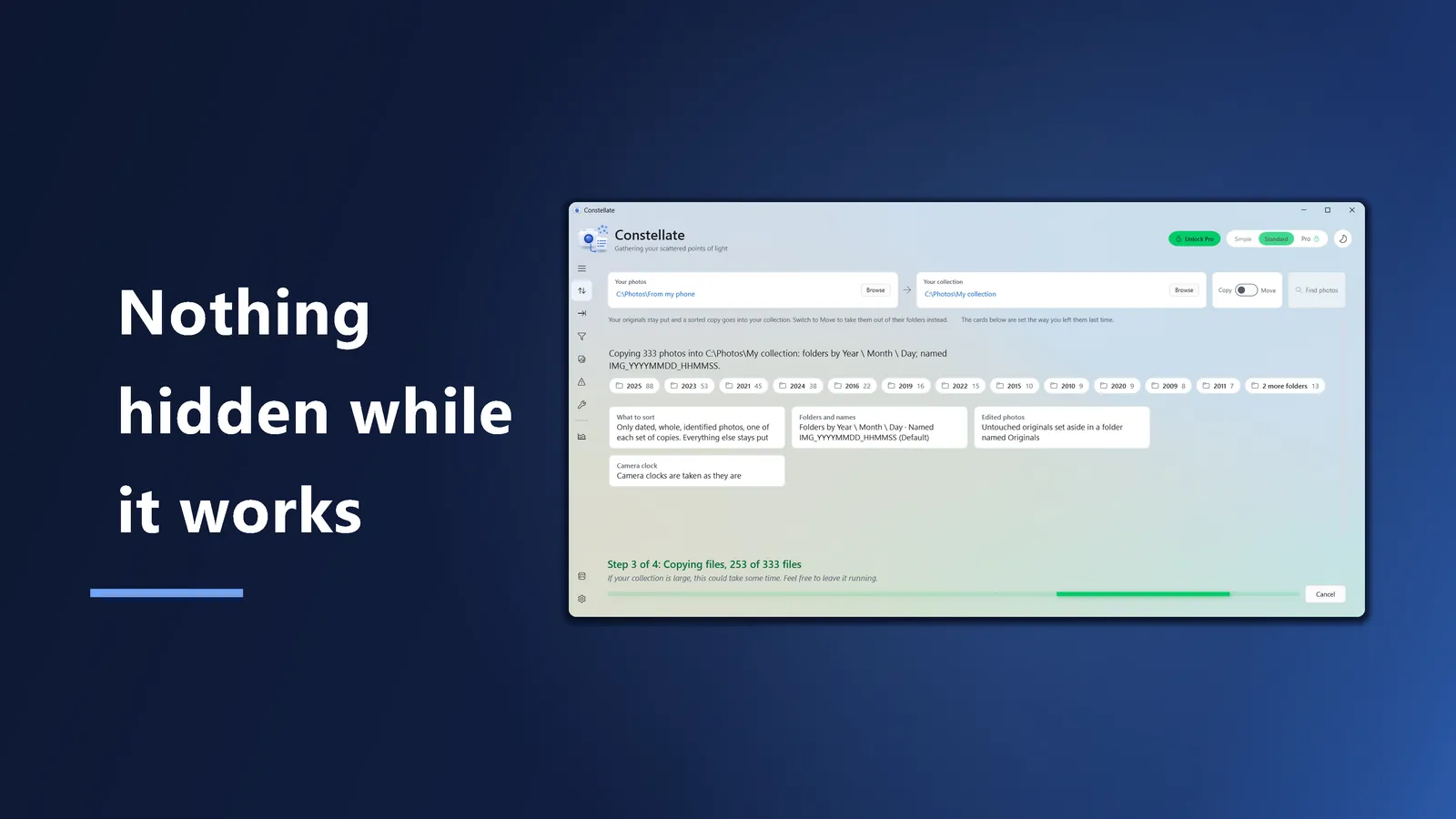
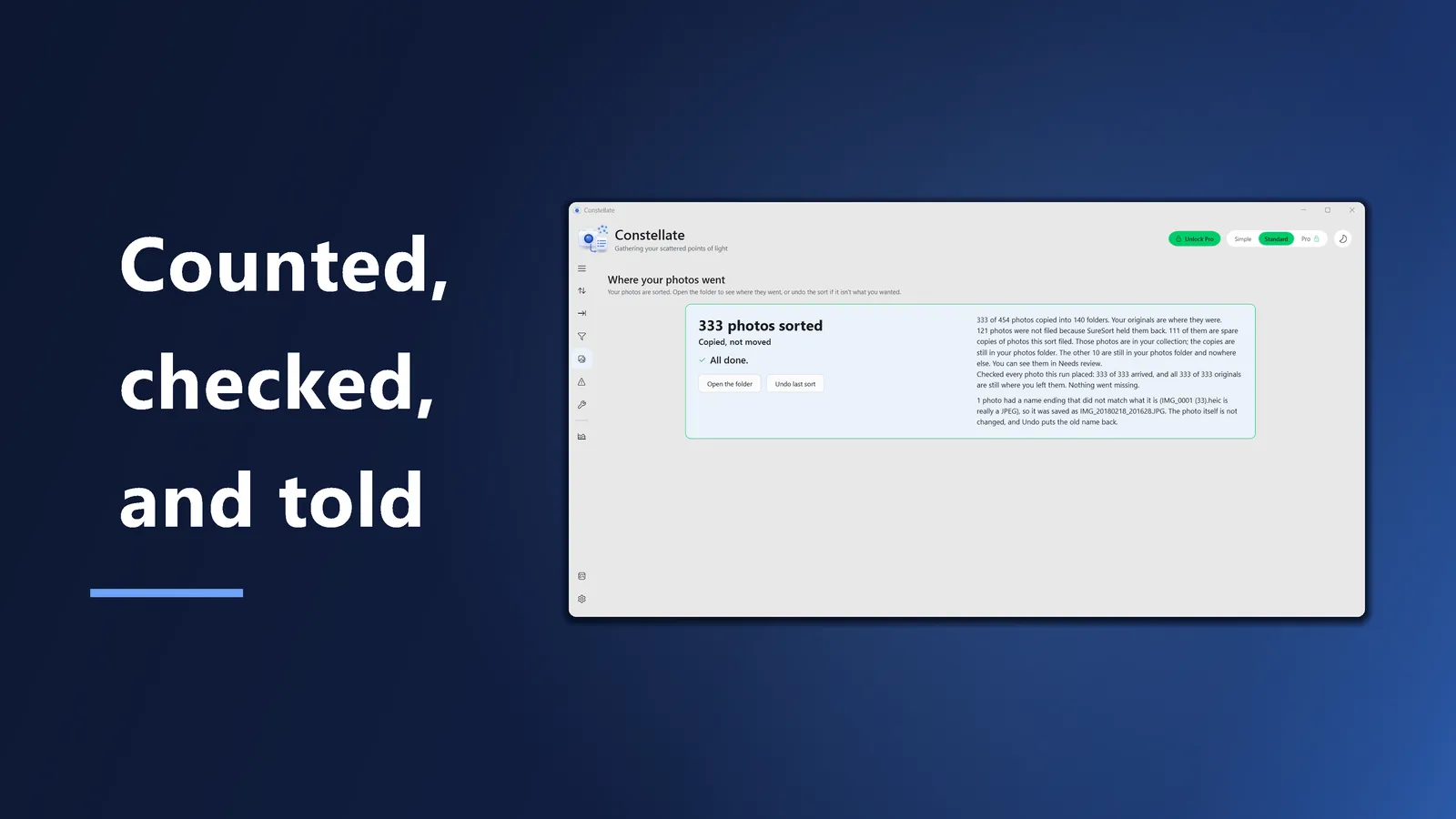
When a sort finishes, the card opens with how many photos were sorted, in big type. Underneath it says Copied, not moved, or how many were moved, and it accounts for anything SureSort left in your folder.
The photos waiting for you are grouped by the reason they are waiting, like no date or a picture that stops partway down. The ones SureSort left in your folder have their own group, and the spare copies are counted in one line. Pick a photo to see why it is there.
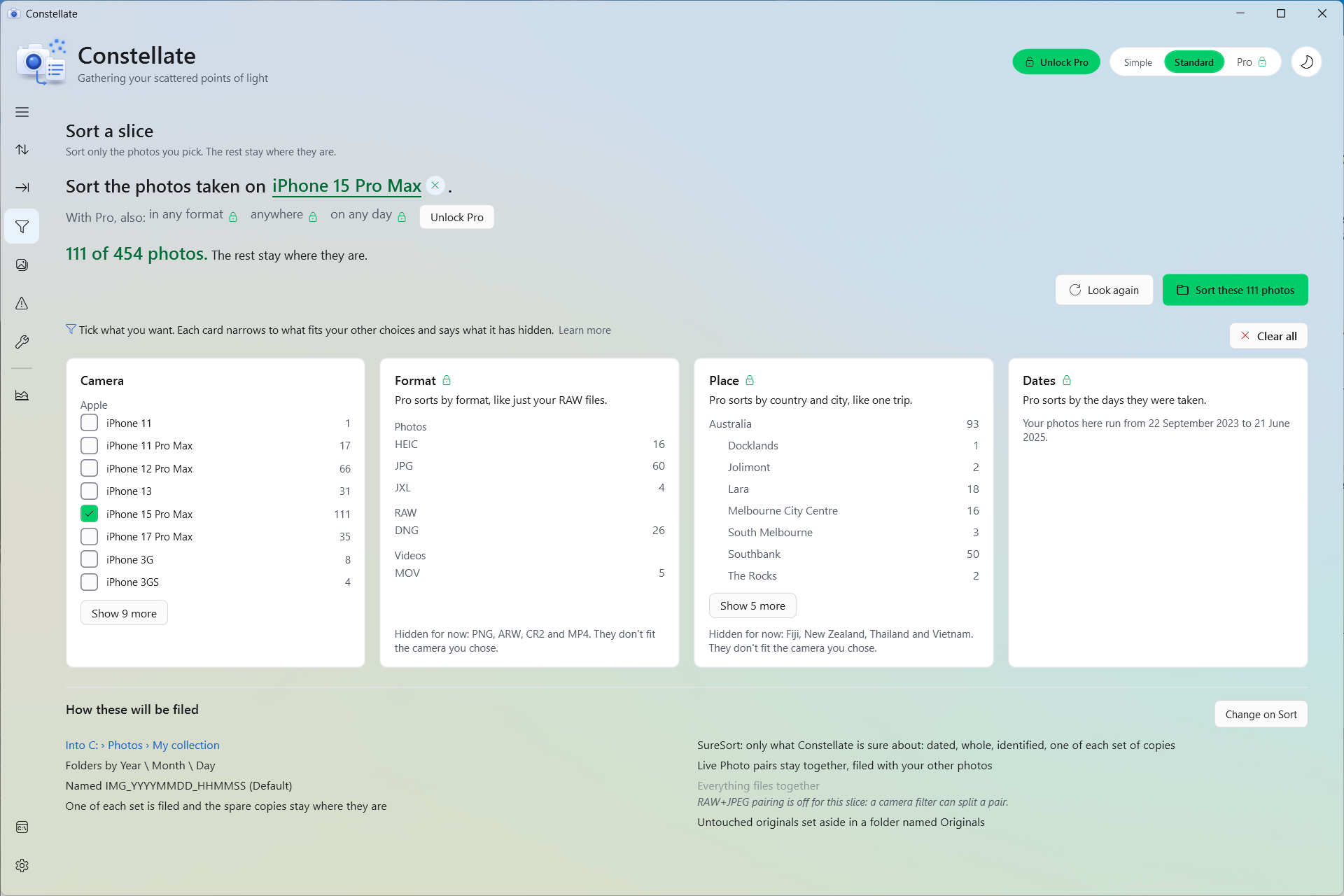
Tick a camera on the Filter page and sort only its photos. The rest stay where they are. Pro can also pick by format, by place and by date.
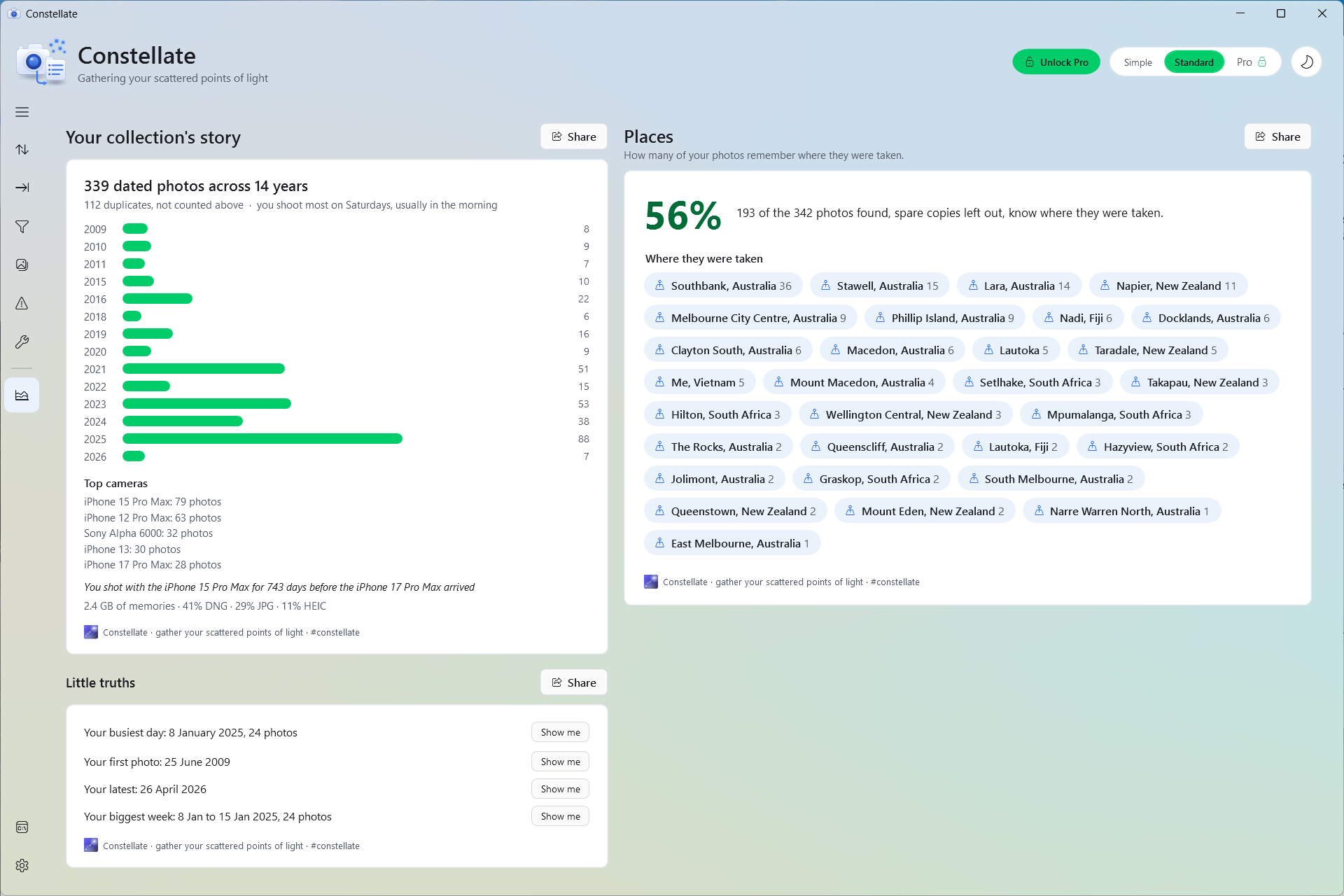
Insights counts your photos year by year, names the cameras you use most and your busiest day, and shows how many of your photos remember where they were taken, and where.
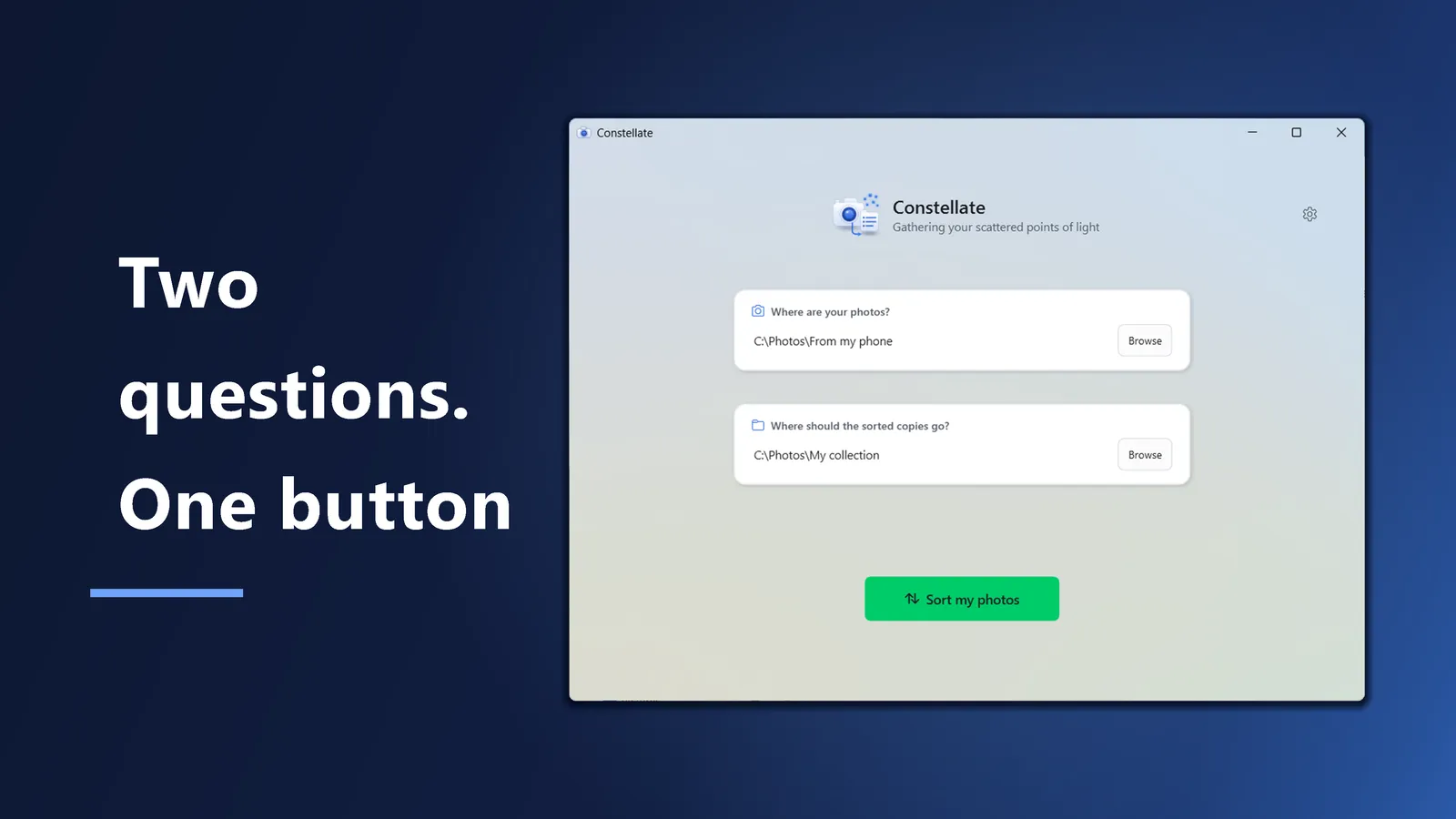
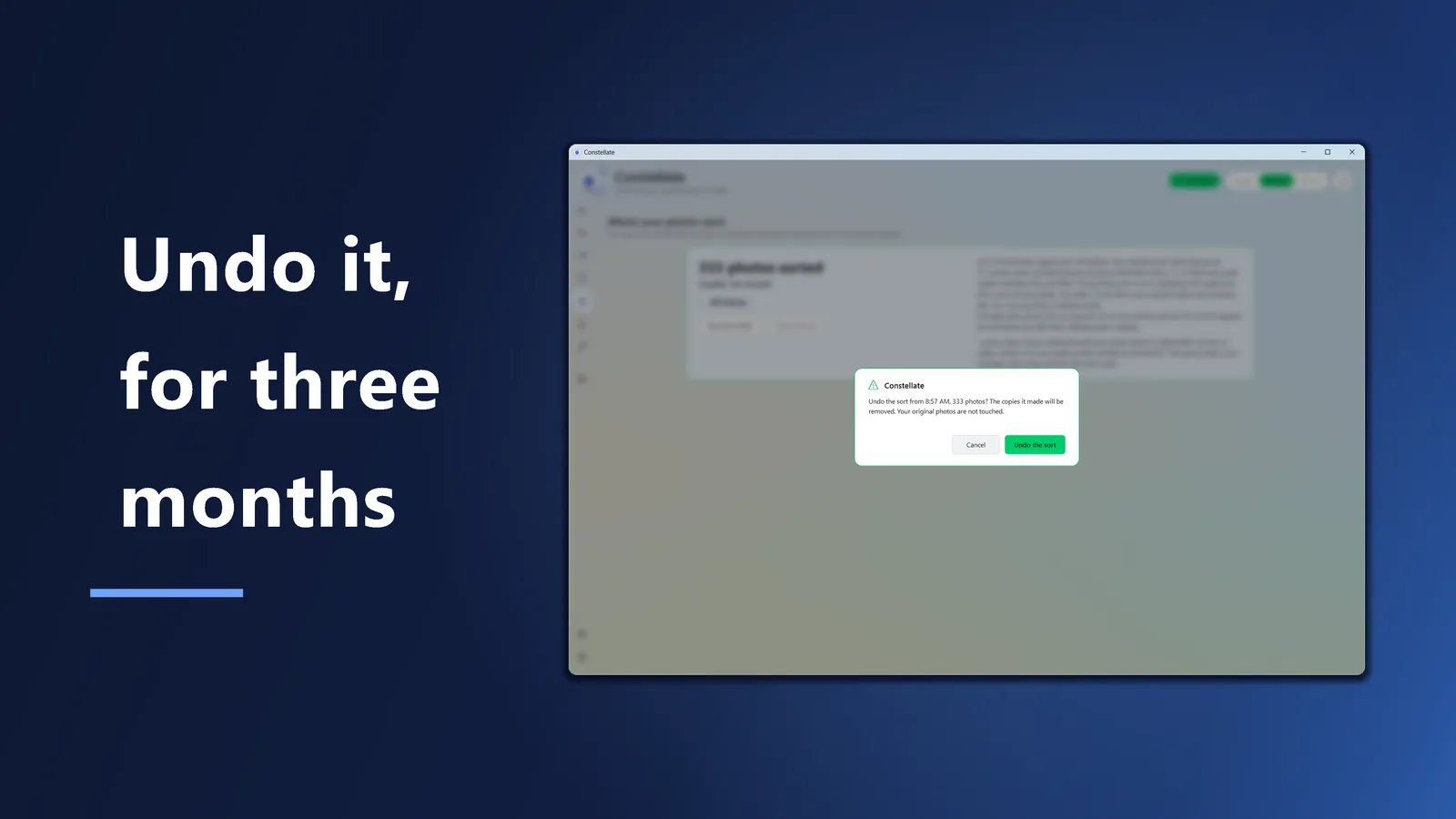
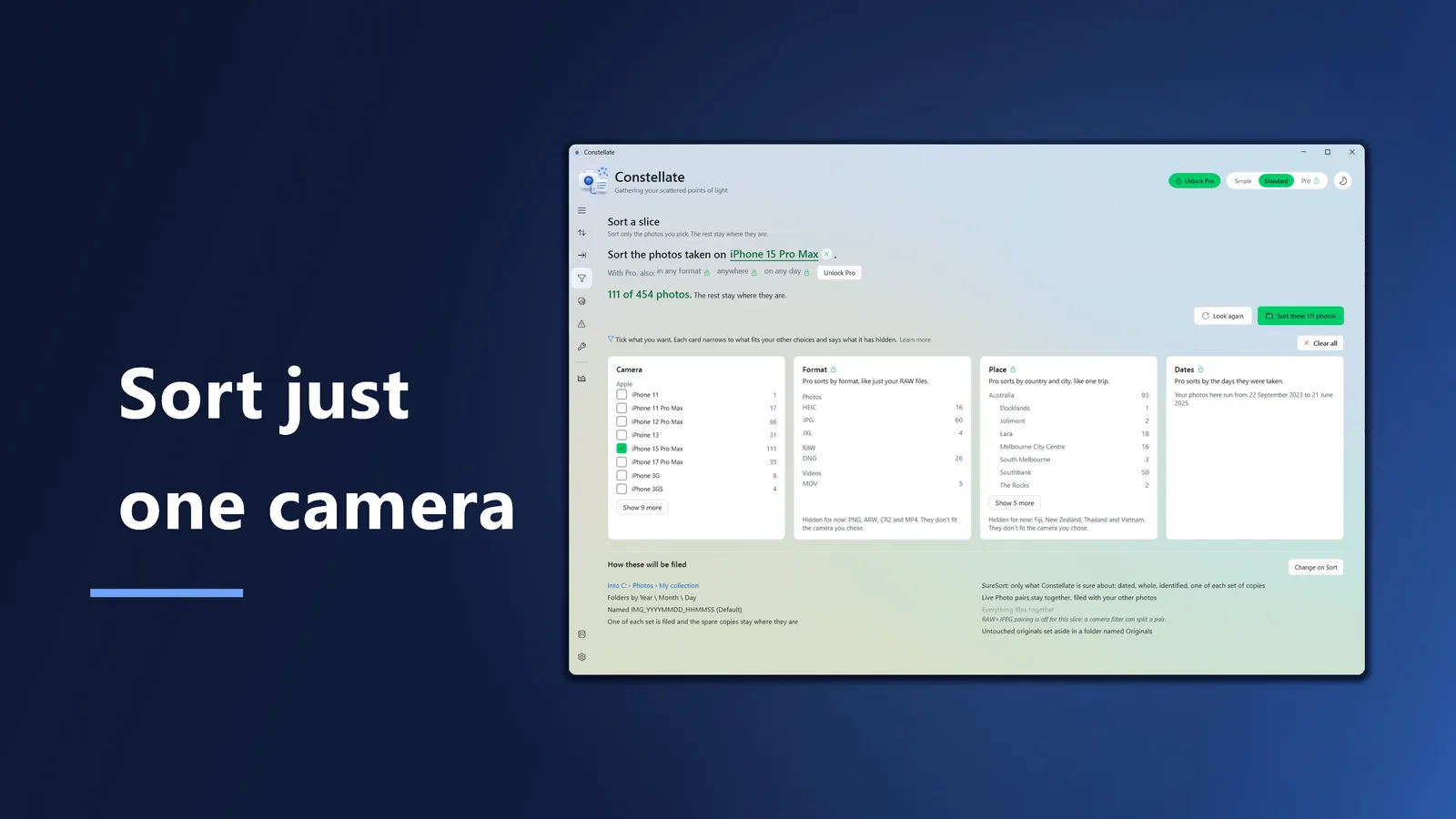
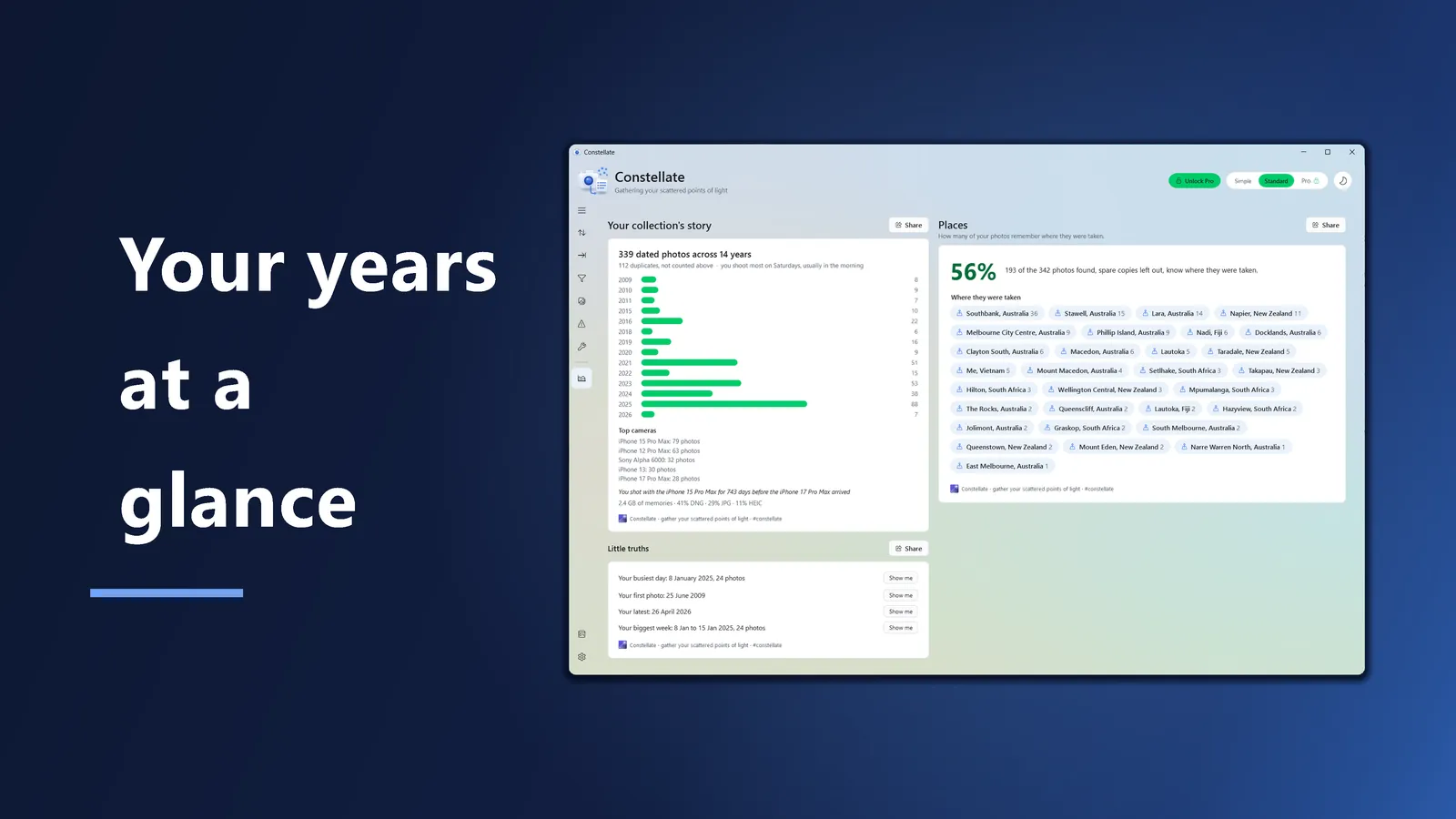
And the rest, at a glance
In Standard and Pro, a Live Photo's still and its short video are paired and filed as one. In the dated layouts a RAW is filed with its JPEG, and Pro can keep the two together under a layout that files by type.
Give a trip a name on the Import page and its photos go into one folder, named for the year it starts, like 2027 Thailand. Pro's Memories layout goes further, and turns each trip into one album inside its year.
Duplicates are matched by comparing the files themselves, not their names, so a renamed copy is still caught, and one of each set is filed.
Simple is two questions and one button. Standard lays the options out as plain sentences, with what Constellate found beside them. Pro puts every option on one screen. Undo is in all three.
More folder layouts, Memories and your own template among them. More ways to name your photos, including numbering them in order. Filters by format, place and date. Only add what's new, near duplicate detection, XMP sidecars, and Metadata repair. A one-time purchase in the Microsoft Store.
There is no account and nothing is uploaded. Where a photo was taken is worked out on your own computer. Constellate has no code of its own that talks to the internet. The one exception is Pro: Windows asks the Microsoft Store whether you own it, and handles the purchase if you buy it.
How Constellate handles your photos